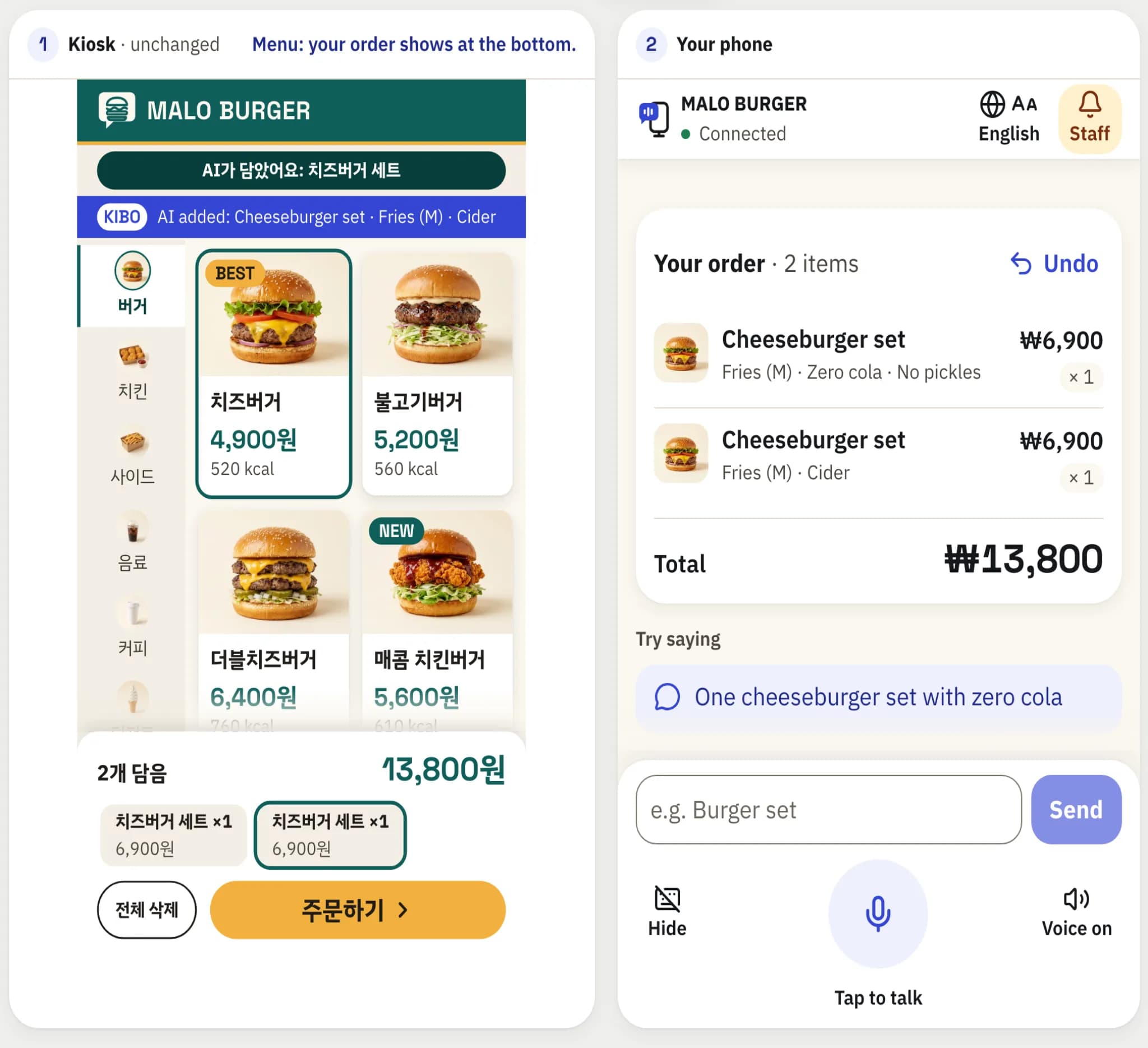
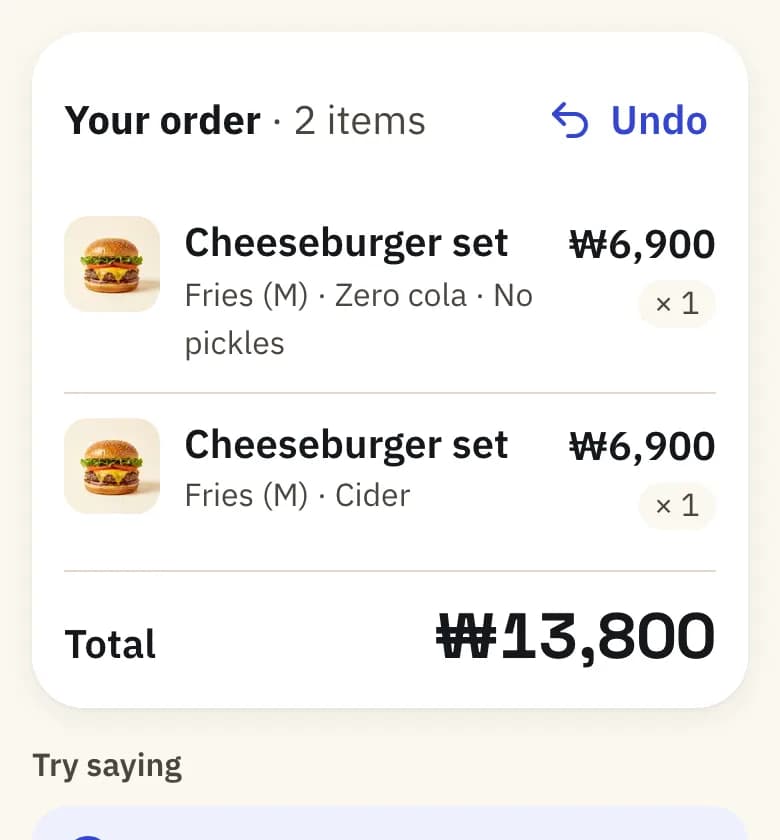
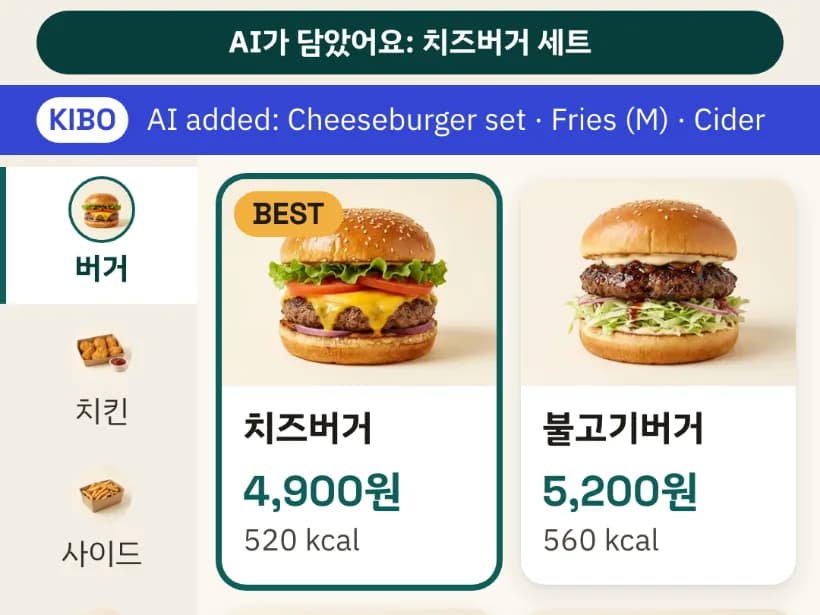
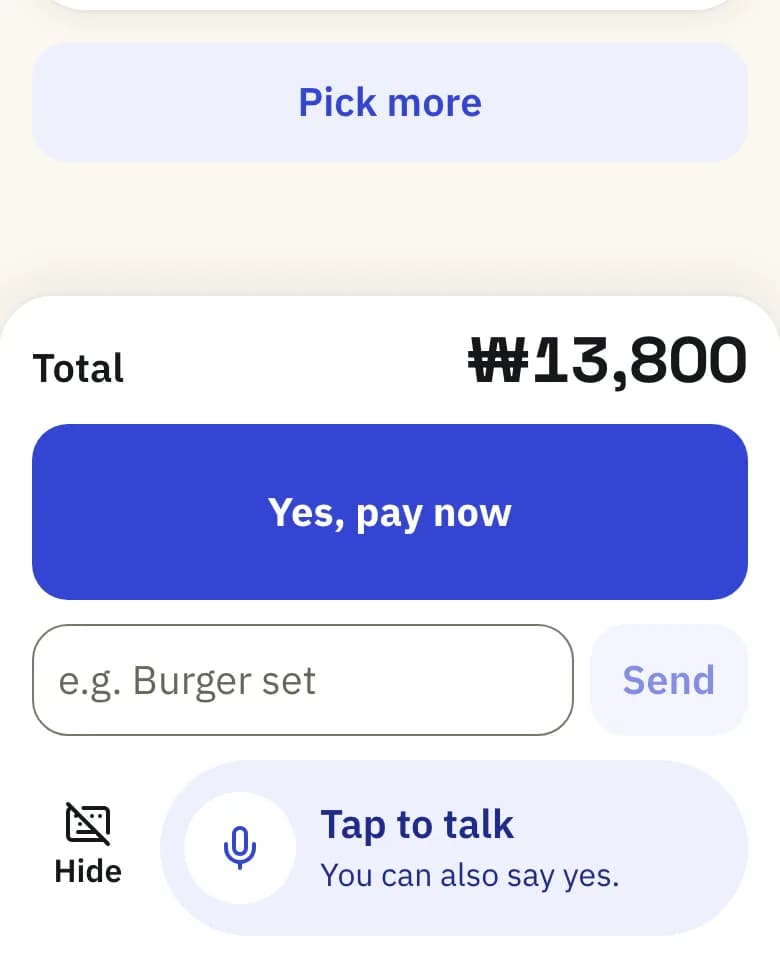
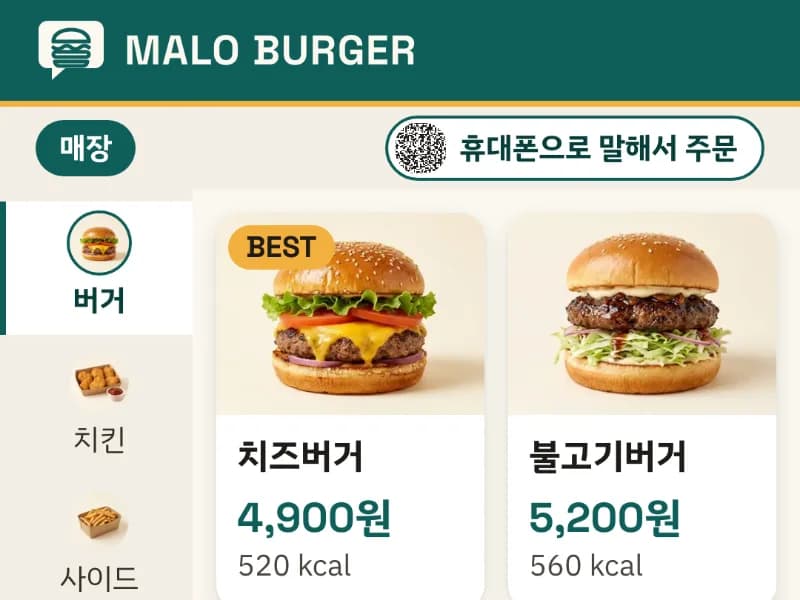
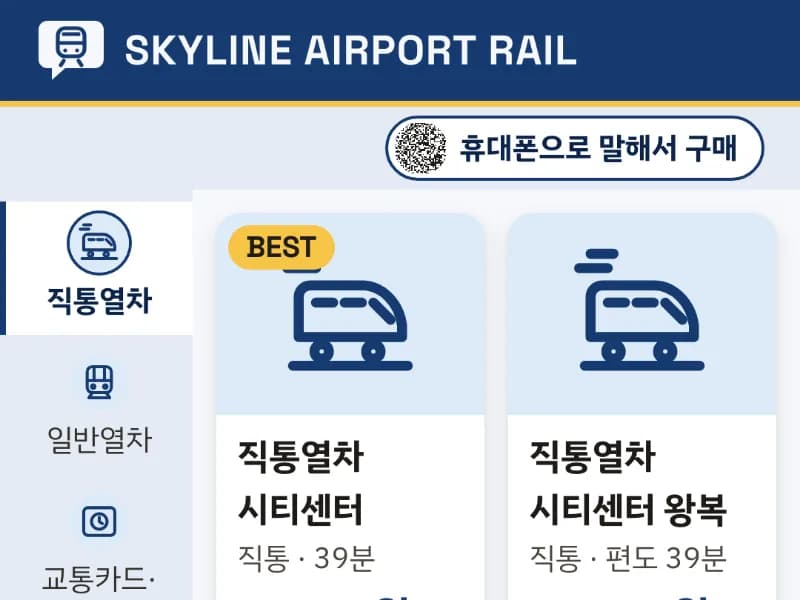
Open the live demo on a laptop: it shows the kiosk, and you order by scanning its QR with your phone. Without a phone at hand, “Try it on this screen” shows the phone beside the kiosk, as in this picture.
Who it is for
Older first-time users
Say the whole order in one sentence instead of hunting through screens. Undo and call staff are always one tap away.
Visitors who can't read Korean
Talk to your own phone in English. The Korean kiosk fills itself, and the phone shows English names and prices from the kiosk's menu.
Low vision, or speaking is hard
Large text and screen-reader labels on a phone you already know, spoken replies, and a full text-and-buttons mode.
Why it matters
17.9% of Koreans aged 65 and over say they can order or check in at a kiosk; at 75 to 79 it is 8.3%.
Since 22 January 2026 the Digital Inclusion Act asks every kiosk operator to take one of five measures for people who find digital devices hard. One of them is a website or mobile app that assists kiosk use, as long as it gives equal access and use. Separately, the disability rules cover existing kiosks from 28 January 2026, and small sites may use compatible assistive software. KIBO is built as that kind of app. It works on the kiosks already installed, and it does not by itself make a shop compliant.
One app or page per shop, each with its own steps to learn.
KIBO: One phone and one way of talking for every kiosk, and the order fills the kiosk in front of you.
A voice kiosk
A microphone and voice software added to each kiosk. You speak out loud at the kiosk, in the languages it offers.
KIBO: Your own phone, in your own language. No new hardware on the kiosk.
Point Gemini Live's camera at the kiosk
It can read the screen and tell you what to tap, but you still tap every step yourself.
KIBO: The kiosk's own cart changes, through actions KIBO's server checks against the menu data.
The phone as a remote touchpad
You scan a QR and steer the kiosk from your phone, but you still go through every screen.
KIBO: You say the order; the steps happen for you.
A phone call to a kiosk support server
A Korean company registered a patent in March 2026 for a server that takes a kiosk QR scan and a phone call and turns the customer's speech into touch commands.
KIBO: The closest idea. KIBO adds: the AI can fill the cart but the server never lets it pay, and KIBO Learn learns a web kiosk once, then replays orders without AI and checks the kiosk's own total.
KIBO is not the first to connect a phone to a kiosk. What it brings together: your own phone and language, real changes to the kiosk's cart that the server checks, payment only by you, and kiosks learned once.
Works with kiosks that exist
Integration with existing systems, without replacing the kiosk. Two ways to connect a web or webview kiosk:
Direct adapter
KIBO reads the kiosk's own menu, options and rules. Our MALO BURGER simulator has sets, required sides and drinks, removable ingredients and sold-out items.
96 of 98 test cases passed
text agent on gemini-3.8-flash (Gemini API, as in production), typed in Korean, English and 7 more languages; cases written by the KIBO team
2.1 s median from end of speech to the kiosk highlight
7 spoken orders (English, Korean) to gemini-3.8-live after 1 s of silence ends the turn, synthetic voice on a laptop, not yet on a real phone; 1.7 s through the Vertex AI relay (2 orders), run locally
KIBO Learn
For a kiosk with no integration, Gemini explores its screens once and writes a skill: the menu plus click recipes. Orders are then replayed without AI and checked against the kiosk's own total.
On two kiosks it had never seen, KIBO handled all 20 test orders safely: 16 finished hands-free, 4 stopped safely (2 handed to staff, 2 refused), and none was wrong (round 4, synthetic kiosks).
Two kiosks built by other AI agents, learned once each by the latest learner: 62 of 62 items found. The 2 handed to staff are orders where the skill's own price differed from the kiosk's total, so KIBO stops and calls staff instead of showing a wrong price; the 2 refused asked for an upsell the skill does not know.
Every never-seen kiosk so far
All 6 never-seen kiosks so far (rounds 2 to 4, each new to that round's learner): 60 orders, 32 correct, 15 refused safely, 3 unsafe (round 2: three take-out orders placed without the optional 100-won bag they asked for), 10 not learned (one kiosk never finished). The skill's own total differed from the kiosk's in 6 of the 35 orders that reached a kiosk total.
4 test kiosks: 134 of 134 items, 31 of 40 orders right
built by other AI agents; 4 orders refused safely, 5 went wrong on one bakery kiosk (its pop-up blocked a tap); in 3 of the 31 the skill's own price differed from the kiosk's. The learner was improved using these kiosks' first runs, so this is not a blind result
Our pizza kiosk: learned in 5.2 min, 4 of 4 unseen orders replayed without AI
Doughhouse, the kiosk the learner was developed on, so not a blind test; a planted rule break was also caught
How KIBO gets onto a kiosk
Kiosks that share their menu data: a direct adapter reads the menu and sends orders. The burger shop and the airport rail machine in the demo work this way.
Web kiosks with no integration: one small script in the kiosk's page, added by the kiosk vendor or the store with a script tag, a kiosk-browser extension, or injection into a kiosk app's WebView.
Native kiosk apps: on the roadmap, not built.
No kiosk vendor or store has installed KIBO yet; there are no partnerships.
Runs the Next.js app and its API in asia-northeast3. Every change to an order is a command the server checks.
Firestore
One session document per order, changed only in transactions and streamed to the phone and the kiosk.
Gemini Live
The phone talks to it directly with a one-use token; the server pins the model, instructions and 11 tools.
Gemini Flash
The text agent with the same tools, for typing and for when voice is unavailable.
Secret Manager
Holds the Gemini API key, which never reaches a browser.
No smartphone, and privacy
No smartphone?
KIBO is optional. The kiosk works exactly as before: by touch, with its large-text, lower-screen mode, and with staff as today. A phone without a camera app can type the kiosk's 6-digit code instead of scanning, and anyone who would rather not talk in a queue can type or tap.
Your data
No account. KIBO keeps no audio, no conversation and no personal data; the order session ends after 10 minutes without activity and is then deleted. Speech and text are processed by Google Gemini under Google's terms.
Large text: 20px body text on the phone, 40px and up on the kiosk
Every phone button at least 56 pixels square
Screen-reader labels, and cart changes announced when the AI voice is off
Text and buttons when the microphone is unavailable
Call staff always visible on the phone
Screens in Korean and English, and 日本語 on the ticket machine; the AI also answers in Japanese, Chinese, Spanish, Vietnamese, French, Thai and Indonesian (tested by typing; Japanese also by speaking)